Meme Sounds For Stickers With Sound
A meme sound is a short sound people recognise in under a second: a laugh, an airhorn, a record scratch, a sad trombone, a dramatic sting. Pair one with the right face and the sticker lands every time. Start by making a sticker with sound in the maker, then pick the sound that matches the moment.

The best meme stickers are short. One face, one sound, one joke. A long clip with a slow build loses the chat, because nobody waits ten seconds for a punchline that should take one. Keep the sound to one or two seconds inside the 5 second window, and let the face do the rest.
Step By Step To A Meme Sticker
A meme sticker is one face, one sound and one joke. Only send the version that makes you laugh on the second watch.
- Drop your picture onto the box that says Drop your picture here. Use your own photo of a friend, a pet or a real reaction, crop close on the face, and keep the background simple.
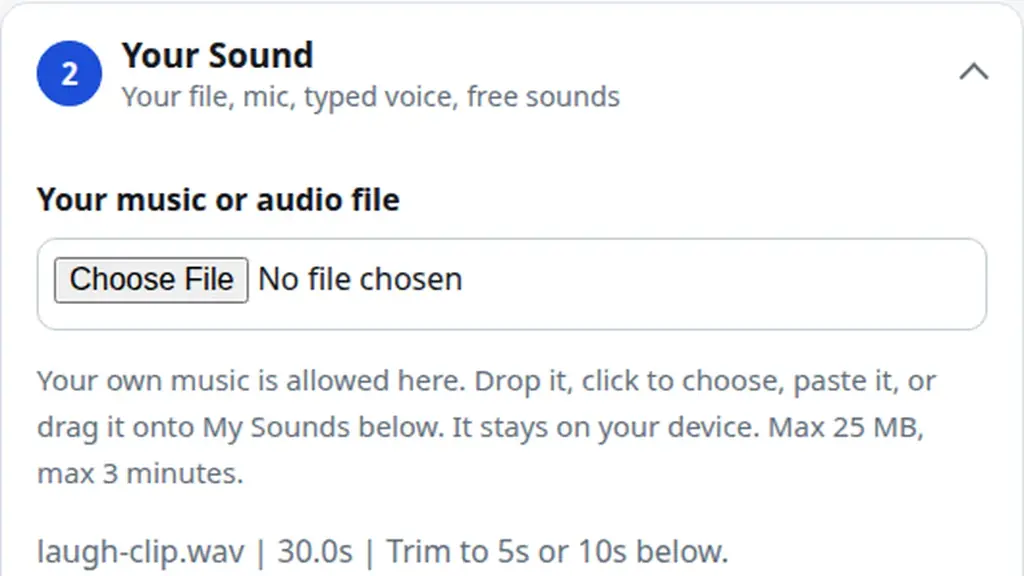
- Open Free Sounds in step 2 and search for the feeling you want. Try laugh, cheer, pop, sting or crowd, tap a category chip, and press play on three sound cards before you choose.
- Change the pitch or speed if a sound is almost right. A higher pitch makes a cheer sillier, and a slower speed makes a fail funnier. Press Use on the version you like.
- For a line of your own, type it, press Speak it, then press Capture voice for export (tab audio) or Capture voice for export (microphone). A plain voice preview cannot be saved, so capture first.
- In step 3, press the 5 seconds button, move the window onto the loudest part, and press Play this part. Start the window a fraction before the loud moment so the first sound is not cut in half.
- Press Preview loop, watch it three times, then press Download MP4. If the joke lands, send it.
What Counts As A Meme Sound
A meme sound works because it is familiar. The crowd knows what an airhorn means, what crickets mean after a bad joke, and what a sad trombone means after a fail. You do not need a long clip or a famous song. You need the exact second where the sound says the thing.
The free sounds in the maker include many meme style effects: pops, cheers, boings, stings and crowd reactions. Search the sound list for the feeling you want, try a few, and trust the first one that makes you laugh. If none fits, record your voice saying the line yourself, which is often funnier than any clip.
Match The Sound To The Face
Surprise faces want a pop or a gasp. Fail faces want a sad trombone or a record scratch. Win faces want a cheer or an airhorn. Awkward faces want crickets. When the sound and the face tell the same story, the sticker reads instantly, even at small size.
Load your picture, open the free sounds, and press play on three or four options before you choose. Change the pitch or speed if a sound is almost right: a higher pitch makes a cheer sillier, a slower speed makes a fail funnier. Then trim the sound to 5 seconds so only the best moment travels with the picture.
Keep It Original And Safe
The generated free sounds are made on your device by code, not copied from other sites, so they are safe to use in your stickers. Your own recordings are safe too, because they are yours. Avoid uploading clips taken from shows, films or songs you do not own, because those belong to someone else.
If a meme sound you love is not in the free list, recreate the feeling instead of copying the file: record yourself, type the catchphrase as a voice and capture it, or pick a generated effect with the same energy. If a sticker ever comes out silent, follow the steps to fix a silent sticker before you share it.
Real Moments Turned Into Memes
The funniest meme stickers are your own photos and moments with friends, paired with a sound that says the same thing as the face.
- A friend laughing hard, paired with a generated laugh or cheer. The group knows the joke.
- A pet staring at the camera after knocking something over, paired with a record scratch or a sad trombone style sting from the free sounds.
- A birthday photo of the moment the candles blew out, paired with a cheer. The sound turns a posed photo into the second the room erupted.
Tips For Meme Sounds That Land
A meme sound should be recognised in under a second. If you have to explain it, it is too long or matched to the wrong face.
- Keep the sound to one or two seconds inside the 5 second window. Let the face do the rest of the work.
- Match the sound to the face: a pop for surprise, a sad sting for a fail, a cheer for a win, crickets for awkward.
- Recreate a feeling instead of copying a file. Record yourself, type a catchphrase and capture it, or pick a generated effect with the same energy.
Troubleshooting Quick Checks
A meme sticker that misses usually has a trim or capture problem. Both are fixed in under a minute.
- Sound plays late: move the trim window right on the waveform, press Play this part, and export only when the first second sounds right.
- Typed voice is silent in the download: capture the voice first with a capture button, then press Download MP4 again.
- Sound and face tell different stories: pick a new sound, or a different photo.
Frequently Asked Questions
Can I Use Sounds Taken From Videos I Found Online?
Only if you have the right to use them. The safe choices are the generated free sounds in the maker, your own recordings, and audio you made yourself. Clips from shows, films and songs belong to their owners.
How Long Should A Meme Sound Be?
One to three seconds is ideal. The maker trims to a 5 or 10 second window, so place the short sound at the start of the window and preview the loop before you download.
Why Does My Meme Sticker Play The Sound Late?
The trim window starts before the loud part. Move the window right on the waveform, or tap the waveform on the loud part, then press Play this part to check before you export.
Can I Use A Catchphrase My Friend Always Says?
Yes, if you record your friend saying it, or you record yourself saying it. Your own recording is yours, and it is usually funnier than a clip because the group knows the voice.